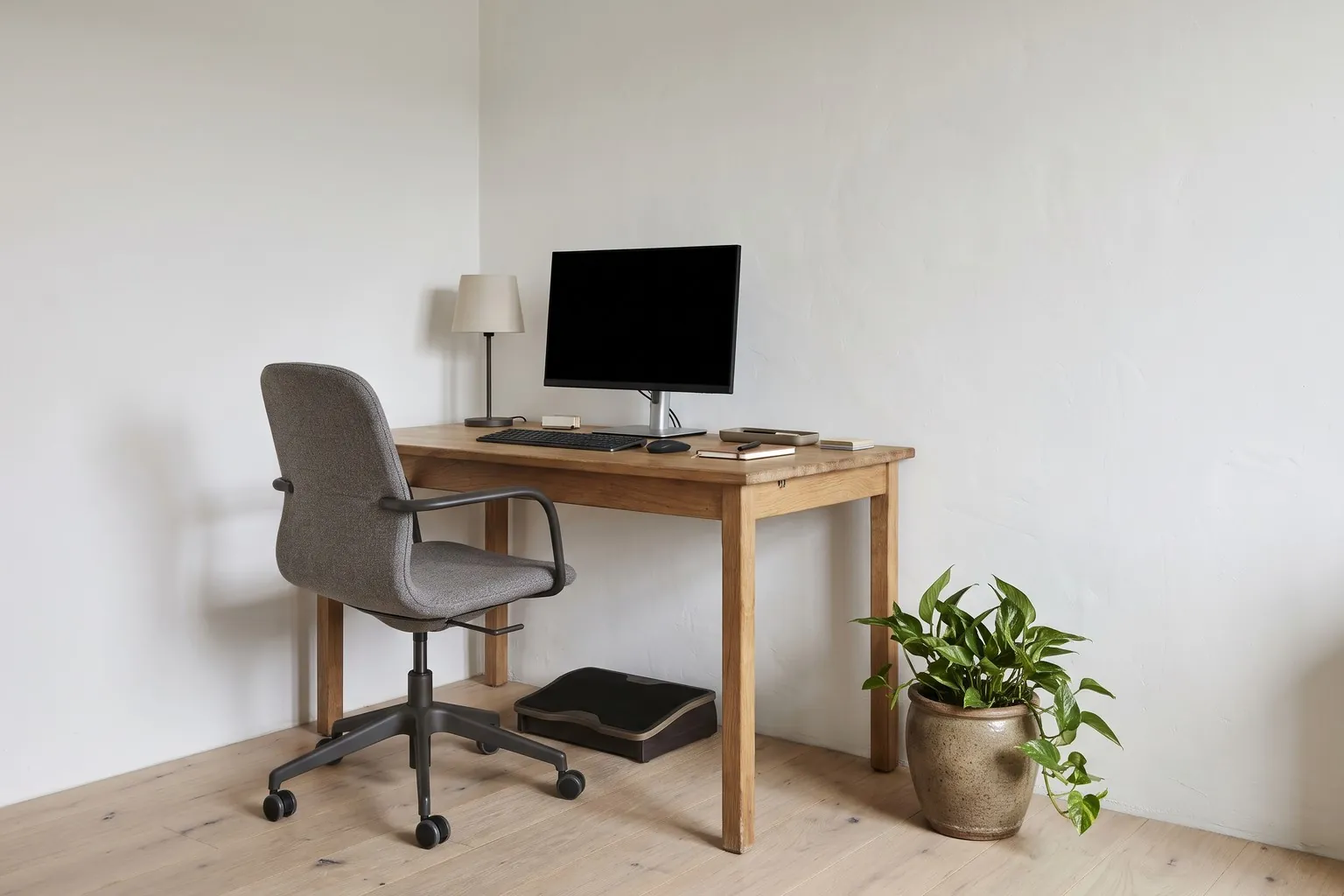
Desk sizes: width, depth, and the room a desk really takes
A standard desk is about 48 to 60 inches wide and 24 to 30 deep. Sizes by desk type, the width for one or two monitors, legroom, and the space behind the chair.
The short answer
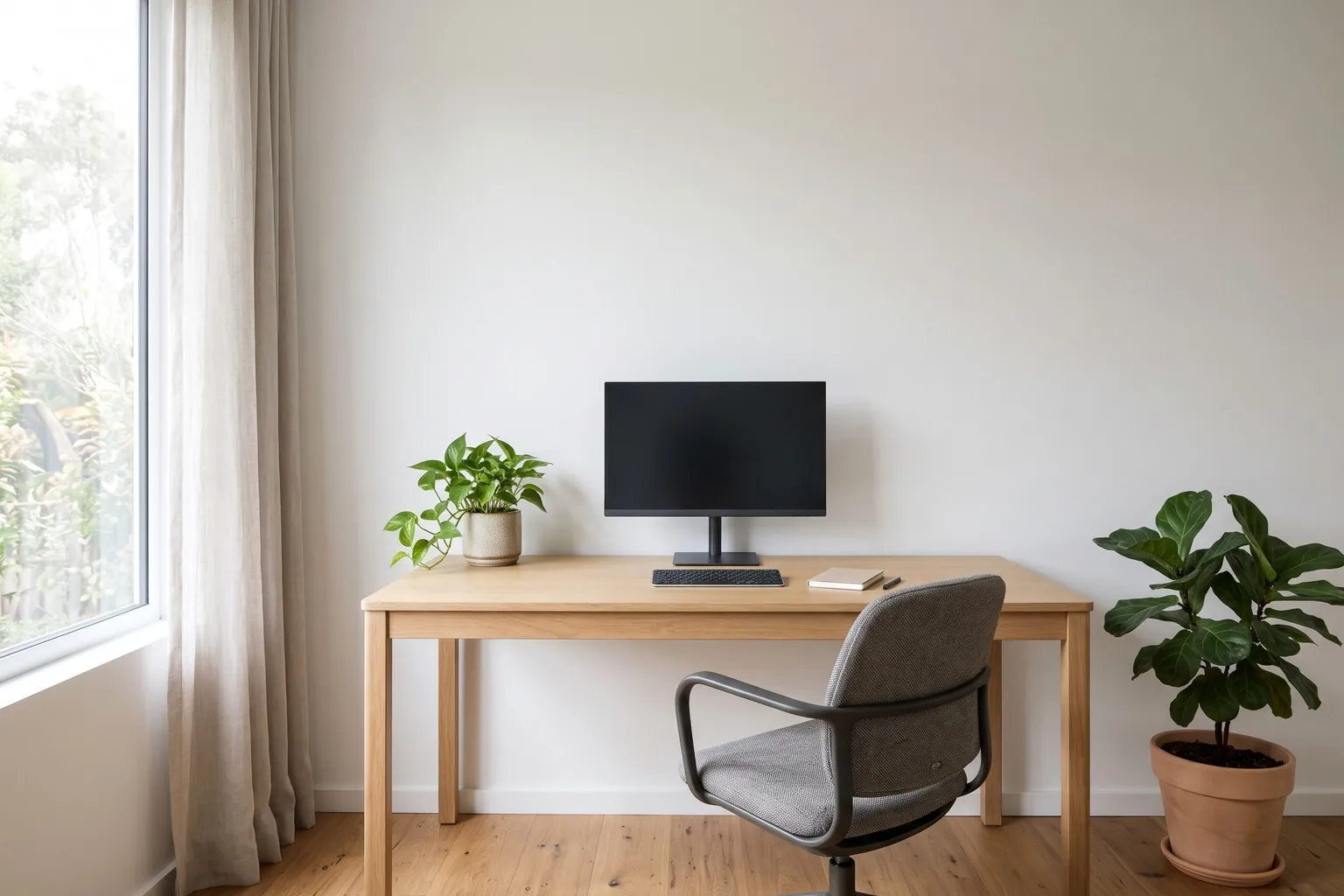
- A standard desk is about 48 to 60 inches wide and 24 to 30 inches deep. A reference site gives a wider spread: 30 to 60 wide, 20 to 36 deep.
- Choose the width by what sits on the desk: 40 to 48 inches for a laptop, about 48 for one monitor, 55 to 60 for two, 60 to 72 for an ultrawide or three screens.
- Depth is set by the screen. Twenty inches is enough for a laptop alone. With a monitor and a keyboard, plan 24 at least and 28 to 30 for comfort.
- OSHA asks for the monitor at least 20 inches from your eyes and puts the preferred distance at 20 to 40.
- The desk is not the footprint. The sources ask for 30 to 48 inches behind it for the chair, which at least doubles the floor it uses: our sums.
In this guide
Of a desk's three dimensions, height varies least in the sources: 28 to 30 inches. Widths run from about 40 inches to 79, and depths from 20 inches to 39.
This guide covers width and depth: the sizes by type of desk, what each width holds, how deep a desk must be for a screen, and the floor a desk and its chair take together. Height, and how to fit it to your own body, is in our guide to standard desk height.
Our sources are two federal and university ergonomics pages, a reference site of dimensioned drawings, and three companies that sell desks or room-planning software. We say which is which, because the sellers give the most figures.
The standard size
| Source | Width | Depth | Height |
|---|---|---|---|
| Progressive Desk, a desk seller | about 48 to 60 in | 24 to 30 in | 29 in, fixed |
| Dimensions.com, a reference site | 30 to 60 in | 20 to 36 in | 28 to 30 in |
| Cornell University ergonomics | not given | not given | 28 to 30 in |
Read together: a desk 48 to 60 inches wide and 24 to 30 inches deep is the middle of the market. The reference site's wider ranges include the small writing desk at one end and the deep executive desk at the other.
Sizes by type of desk
Two sources publish a table by type. Their figures, in inches, side by side:
| Type | Width, Progressive Desk | Width, RoomSketch3D | Depth, Progressive Desk | Depth, RoomSketch3D |
|---|---|---|---|---|
| Writing desk | 40 to 55 | 39 to 55 | 20 to 30 | 20 to 28 |
| Computer desk | 48 to 60 | 47 to 59 | 24 to 30 | 24 to 30 |
| Executive desk | 60 to 72 | 59 to 79 | 30 to 36 | 30 to 39 |
| L-shaped or corner | 60 to 72 per side | 59 to 71 per side | 24 to 30 | 24 to 30 |
| Standing desk | 40 to 72 | 47 to 71 | 24 to 30 | 24 to 31 |
RoomSketch3D makes room-planning software and gives each figure in centimeters too: 47 inches beside 120 centimeters, 59 beside 150. That is likely why its numbers are not round, in our reading. The two tables agree closely. The executive desk is the one where they part: RoomSketch3D lets it run to 79 inches wide and 39 deep.
Width: what sits on the desk
The width follows what you put on the desk. Progressive Desk gives the clearest list.
| What sits on the desk | Width |
|---|---|
| A laptop only | 40 to 48 inches |
| One monitor | about 48 inches |
| Two monitors | 55 to 60 inches |
| An ultrawide monitor or three screens | 60 to 72 inches |
For two monitors, RoomSketch3D gives a size rather than a width: aim for 60 by 30 inches or larger.
There is a limit to how wide the screens themselves should spread. OSHA's guidance on monitors says they should not be farther than 35 degrees to the left or right.
Depth: the screen decides
Depth sets how far the screen can sit from your eyes.
OSHA's two rules:
- The desk surface should allow you to place the monitor directly in front of you, at least 20 inches away.
- The preferred viewing distance is between 20 and 40 inches, from the eye to the front of the screen.
Cornell's ergonomics guide says the same in words: the monitor at a comfortable horizontal distance, usually around an arm's length. RoomSketch3D gives 20 to 30 inches from the eyes.
What that means for the desk, in RoomSketch3D's table:
| Depth | What it allows |
|---|---|
| 20 inches | a laptop only, no separate monitor |
| 24 inches | a monitor at close range, and a keyboard |
| 28 to 30 inches | a monitor at the ideal distance, keyboard and mouse |
| 36 inches and more | several monitors, and room for documents |
Progressive Desk lands in the same place: aim for at least 24 inches, and 30 is more comfortable.
Three ways to get depth without a deeper desk, each from a source:
- A monitor arm. RoomSketch3D: if using a monitor arm, you can use a shallower desk.
- The corner. OSHA: using a corner rather than a straight run of desk may provide additional space and depth for large monitors. Corners often provide more desk depth than a straight run.
- Away from the wall. OSHA again: make more room for the back of the monitor by pulling the desk away from the wall.
Legroom
Under the top there has to be room for knees and thighs. The figures differ by source, and they measure different things.
| Source | Figure |
|---|---|
| OSHA | clearance for the legs generally between 20 and 28 inches high |
| RoomSketch3D | leg clearance at least 26 inches high, 20 wide and 15 deep |
| Progressive Desk | at least 24 to 27 inches of knee clearance |
OSHA adds the plain test: be sure you have adequate space for your thighs under the desk. Every figure above is a clearance under the desk, so in our reading a drawer under the top counts: measure from the floor to the underside of the drawer, not to the top of the desk.
Height, briefly
The sources agree on the fixed height: 28 to 30 inches, which Cornell says suits most adults, and 29 at Progressive Desk.
Height-adjustable desks cover a range. Progressive Desk gives about 23 to 49 inches, RoomSketch3D 24 to 50. OSHA's guidance is simply to provide height-adjustable desks.
Whether 29 inches suits you, and how to fix a desk that is too high, is the subject of our standard desk height guide. Cornell's advice for the screen is worth keeping here: monitor height is best adjusted with a separate monitor pedestal, not by moving the whole work surface.
The floor a desk takes
A desk against a wall uses its own depth of floor. The chair uses more.
| Clearance | RoomSketch3D, minimum | RoomSketch3D, recommended | Progressive Desk |
|---|---|---|---|
| Behind the desk, for the chair | 42 in | 48 in | about 30 to 36 in |
| Beside the desk | 36 in | 48 in | a few inches of walkway |
| Path to the desk | 36 in | 42 in | not given |
The sources disagree on the chair zone by a foot: 30 to 36 inches at Progressive Desk, 42 to 48 at RoomSketch3D. Neither says why. Our reading: the larger figure leaves room to pass behind someone seated, and the smaller one is closer to room for the chair alone.
Here is what those figures do to a desk 60 by 30 inches against a wall. These are our sums.
| Chair zone | Desk plus chair zone, from the wall |
|---|---|
| 30 inches | 60 inches, 5 feet |
| 36 inches | 66 inches, 5 feet 6 |
| 42 inches | 72 inches, 6 feet |
| 48 inches | 78 inches, 6 feet 6 |
In a room 8 feet deep, the 42 inch figure leaves 24 inches beyond the chair zone. Plan the door swing and the walkway in what is left.
Room sizes for a home office
RoomSketch3D publishes the room each kind of desk needs.
| Desk | Minimum room | Comfortable room |
|---|---|---|
| A writing desk only | 6 by 8 feet | 7 by 9 feet |
| A computer desk | 8 by 10 feet | 9 by 11 feet |
| An L-shaped desk | 10 by 10 feet | 10 by 12 feet |
| An executive desk | 11 by 14 feet | 12 by 15 feet |
| Two workstations | 12 by 16 feet | 14 by 16 feet |
These are one company's planning figures. They are useful as a first check before you measure your own room.
L-shaped and corner desks
An L-shaped desk is two desks joined at a corner. Progressive Desk gives 60 to 72 inches per side, RoomSketch3D 59 to 71, and both give 24 to 30 inches of depth on each leg.
OSHA's point about depth applies here: a monitor set into the corner sits farther back than it could on a straight run. RoomSketch3D puts the minimum room for an L-shaped desk at 10 by 10 feet.
One check before you buy: the short leg sits either on the left or on the right. Decide which by the window and the door of your room.
Sizes sold in centimeters
Many desks are designed and listed in centimeters, and their sizes convert to odd inches. 9am HOME, a seller, lists its common sizes in centimeters only. Here they are with our conversions, rounded to the inch.
| Desk | Width by depth, as listed | In inches, our conversion |
|---|---|---|
| Compact | 110 by 60 cm | 43 by 24 |
| Standard home office | 120 by 60 to 150 by 75 cm | 47 by 24 to 59 by 30 |
| Wide office | 150 by 75 to 160 by 80 cm | 59 by 30 to 63 by 31 |
| Executive | 180 by 75 cm or larger | 71 by 30 or larger |
The same seller gives the height as 71 to 76 centimeters, which is 28 to 30 inches, and a normal home office depth of 61 to 76 centimeters, which is 24 to 30 inches. They match the inch figures of the other sources.
When a listing gives a desk as 120 by 60, it means a desk 47 inches wide and 24 deep. Check which number is the width: the seller's own text puts width first.
A desk for a small room
The sources point the same way for a small room: narrower and shallower.
9am HOME, a desk seller, puts it in one sentence: a narrower desk works better in small rooms because it leaves more floor space. For a laptop, Progressive Desk says 40 to 48 inches is plenty, and RoomSketch3D sets the minimum depth for a laptop alone at 20 inches.
The trade-off is the screen. RoomSketch3D's 20 inches is for a laptop only, with no separate monitor. A monitor arm, a corner, or a desk 24 inches deep are the ways out, each from the sections above.
Before you buy, in six checks
- List what sits on it. Laptop, one monitor, two, or more: that sets the width.
- Check the depth for the screen. At least 24 inches with a monitor, 28 to 30 for comfort.
- Measure the legroom to the underside of any drawer.
- Measure the chair zone behind the desk: 30 to 36 inches in one source, 42 to 48 in another.
- Check the hand of an L-shaped desk against the window and the door.
- Check the height against your own body, in our standard desk height guide.
Questions people ask
What is the standard size of a desk?
About 48 to 60 inches wide, 24 to 30 inches deep and 28 to 30 inches high. A reference site gives a wider spread: 30 to 60 inches wide and 20 to 36 deep.
How wide should a desk be for two monitors?
About 55 to 60 inches, according to Progressive Desk. RoomSketch3D suggests 60 by 30 inches or larger. An ultrawide or three screens takes 60 to 72 inches.
How deep should a desk be?
At least 24 inches for a monitor and keyboard, and 28 to 30 for comfort. A laptop alone works on 20 inches. OSHA asks for the monitor at least 20 inches from your eyes.
What size is an L-shaped desk?
Usually 60 to 72 inches on each side and 24 to 30 inches deep. One planning guide puts the minimum room for it at 10 by 10 feet.
How much space do you need behind a desk for the chair?
A desk seller gives about 30 to 36 inches. A room-planning company gives 42 inches at least and 48 recommended.
How much legroom does a desk need?
OSHA gives leg clearance of about 20 to 28 inches high. One planning guide asks for at least 26 inches high, 20 wide and 15 deep.
Sources
- Computer workstations eTool: desks. Occupational Safety and Health Administration, read November 2026
- Computer workstations eTool: monitors. Occupational Safety and Health Administration, read November 2026
- Ergonomic guidelines for arranging a computer workstation. Cornell University Ergonomics Web, read November 2026
- Desks and work tables. Dimensions.com, read November 2026
- Desk dimensions guide. Progressive Desk, read November 2026
- Desk dimensions guide. RoomSketch3D, read November 2026
- Desk measurements guide. 9am HOME, read November 2026
Every figure in this guide comes from the sources above, or from arithmetic shown in the text. See our editorial policy.